Empowering Extraordinary Engineering
CAD as Code
- Spend less fixing late problems
- Move faster with confidence
- Scale complexity without scaling cost
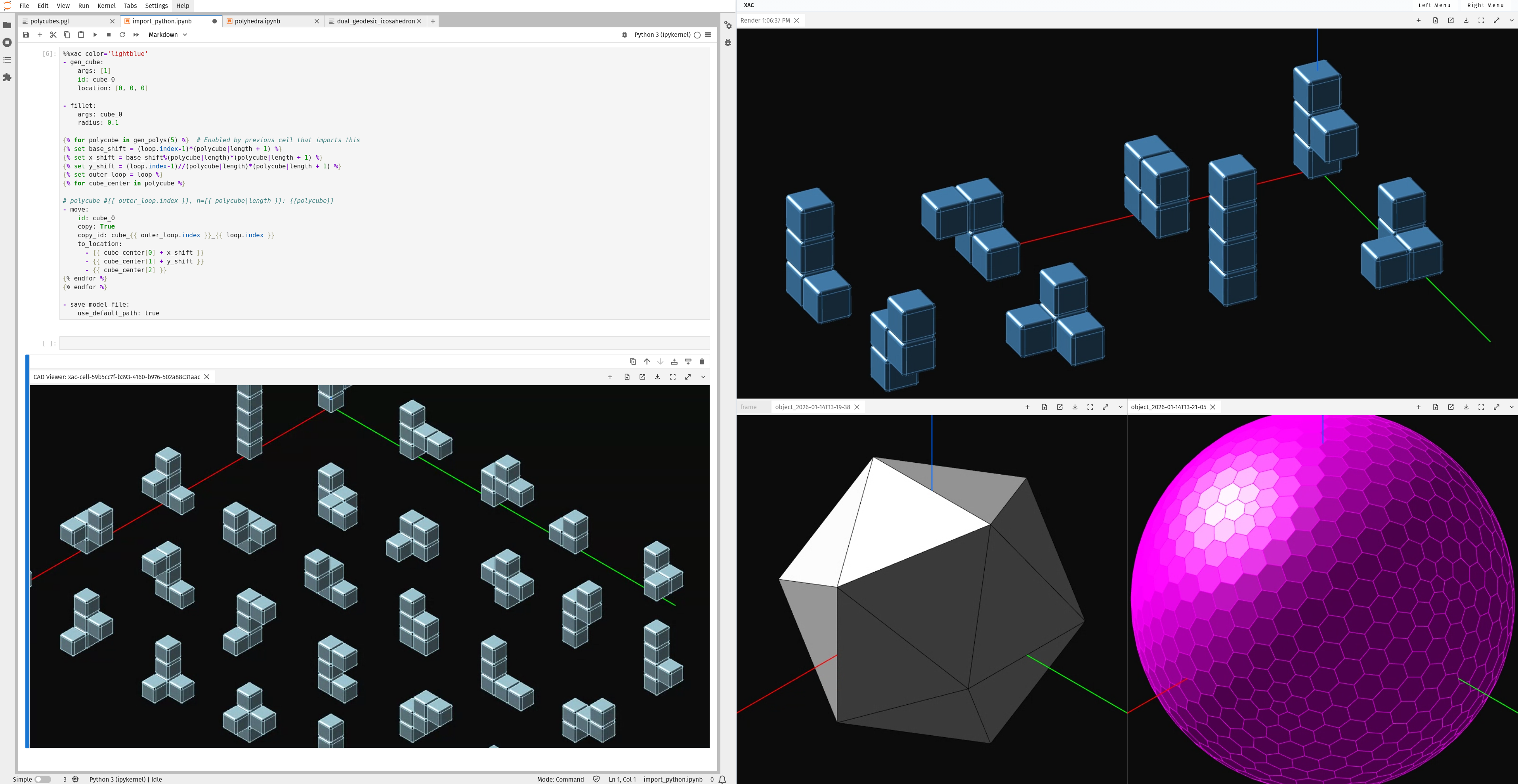
Built for speed | Built for AI | Built for the next generation of engineering
Backed By




CAD Software + Engineering Cloud
CAD as Code combines code-driven computer-aided design software with a cloud-native engineering platform designed for an AI era.
01
Polyglot
Polyglot is the human and machine readable language used in CAD as Code to design with key strokes instead of clicks. It represents the integration of the worlds dominant data and templating languages used in DevOps, and cloud infrastructure. Capturing design intent as code enables AI for automated workflows, parameterizing design variables accelerates iteration, and automated loops make design to simulation a reality with CAD as Code.
02
GitHub
CAD as Code with GitHub revolutionizes collaboration for 3D Modeling, with true traceability, automated versioning, and workflow management.
03
Python
Via Jinja, CAD as Code users can access the Python ecosystem for advanced scientific and engineering logic.
04
Siemens Parasolid
CAD as Code is powered by Siemens Parasolid and rendering is GPU accelerated to enable users to design and iterate 3D Models faster.
CAD as Code Feature Set

Human & Machine Readable Code
CAD as Code uses Polyglot, a human-readable design language to unify design intent, geometry and logic, unlocking automation, intelligence, and AI‑driven workflows.

World-Class Geometry & Rendering
CAD as Code delivers world-class geometry and high‑performance visualization powered by Siemens Parasolid and GPU‑accelerated rendering.

Seamless Collaboration
CAD as Code uses GitHub‑powered version control, branching, and reviewing to facilitate seamless collaboration across product development teams. Teams are able to review geometry diffs, comments, and releases directly in the browser.

Interoperability & Extensibility
With open APIs and streamlined orchestration, CAD as Code integrates seamlessly with legacy CAD and the broader CAE ecosystem. Teams can use the best tool for each task without forced migrations or vendor lock‑in. CAE extensibility accelerates design‑to‑simulation loops and supports multi‑disciplinary optimization.

Libraries & Templates
CAD as Code includes extensive libraries and templates reducing cycle time and increasing reuse of existing designs.

Advanced Logic
CAD as Code offers full Python support for advanced logic, moving CAD from drawing shapes to encoding engineering intelligence. With full extensibility to the Python ecosystem, CAD as Code provides access to a comprehensive set of scientific and engineering solutions.
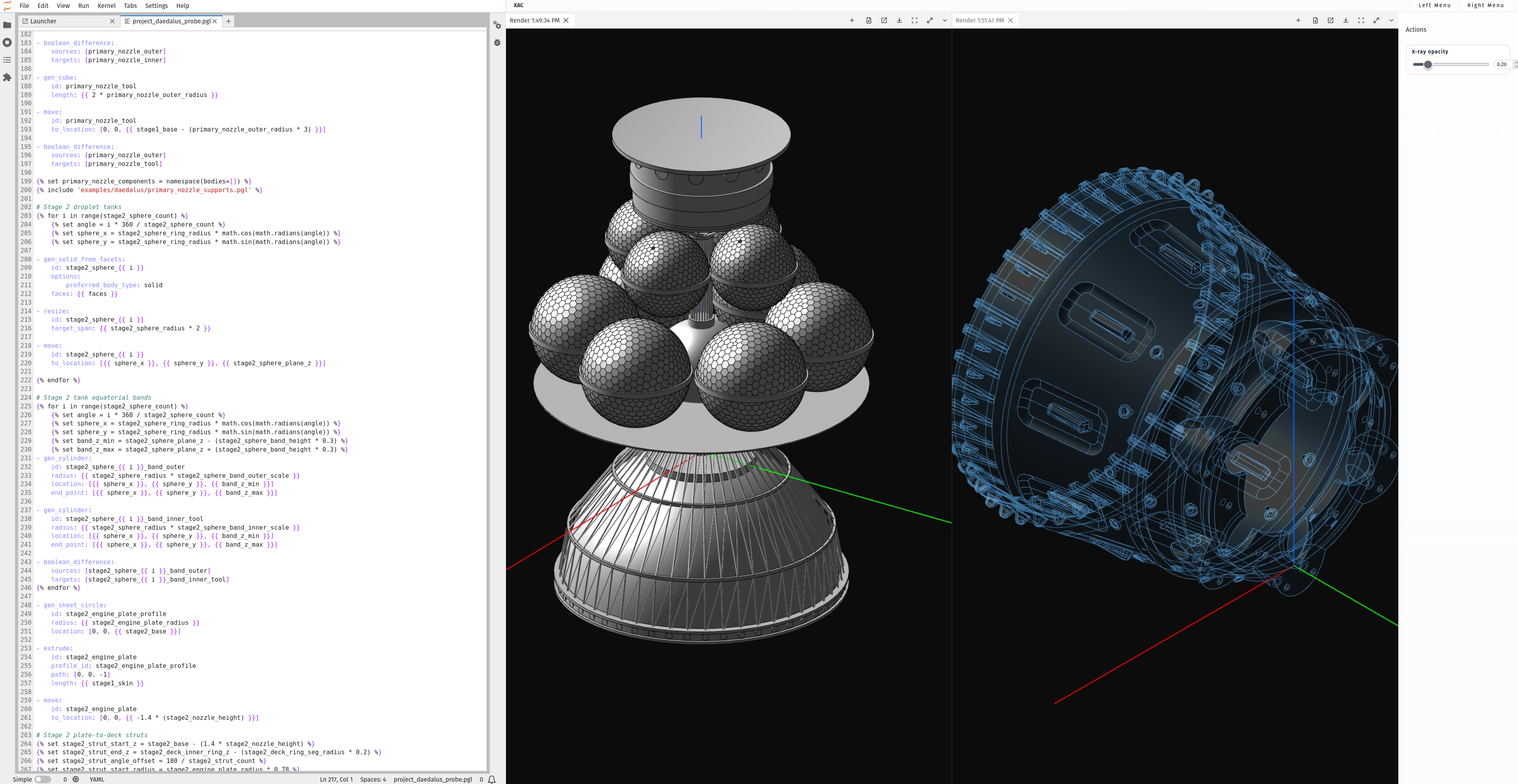
AI for CAD, unlocked
Daedalus was the first serious attempt to design a spacecraft to prove the feasibility of unmanned interstellar space travel in the late 1970's. This Daedalus CAD model was iteratively constructed just using Codex, by OpenAI, without any special model training. This case study demonstrates how easily an LLMs can understand and work with CAD as Code to do real work.
01
Legacy CAD was Built for a pre-AI era
Geometry is static, doesn't capture design intent, and is unreadable by AIs. File formats are fragmented, collaboration is manual and cumbersome, and workflows are disconnected. Old CAD was designed only to enable a GUI. Data structures were optimized for internals, or not at all. Logic was inaccessible. APIs were poorly thought out, downplayed, broken, or absent.
02
A New Paradigm is needed
CAD as Code shifts CAD design from being geometry-first to design-intent first with human readable, expressive code that enables seamless collaboration on GitHub. Emphasizing understandability while allowing a full, unrestricted Python environment foundationally reframes CAD design, and opens a world of possibilities.
Design & Simulation
Using third-party CAE application APIs or the Python ecosystem users can effortlessly program Design–Simulate–Iterate loops accelerating learning and moving costly verification efforts upstream. CAD as Code offers an intuitive way to control CAD and CAE, letting users orchestrate whole workflows.